
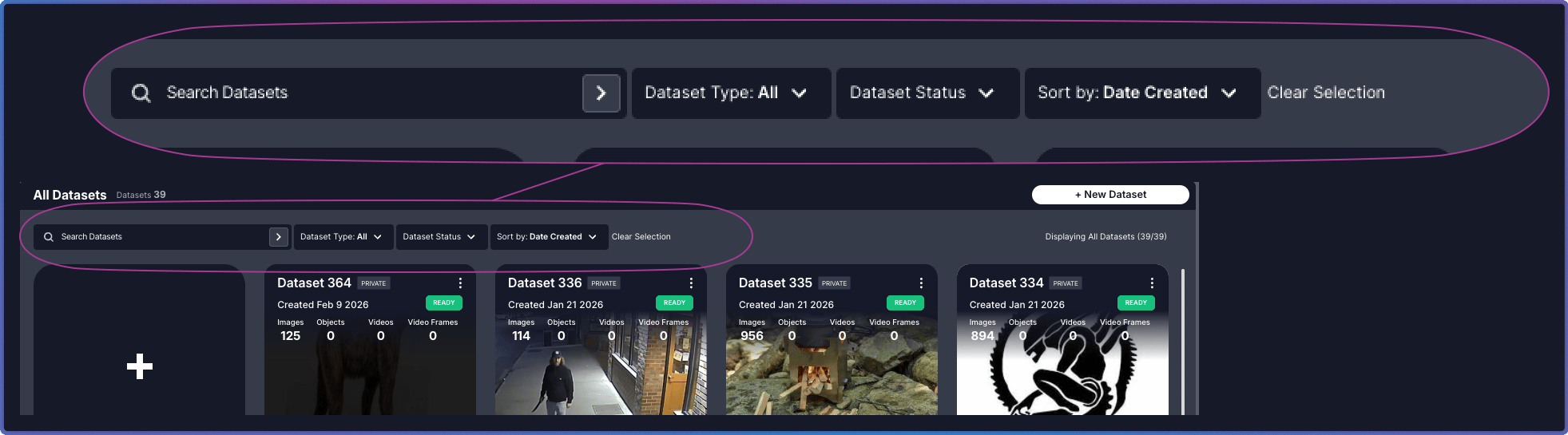
Controls
Search and filters work together to help you locate datasets. Combine them to narrow results, or clear them to expand your view.Related Resources
About the Dataset Inventory
Overview of the Dataset Inventory interface
Dataset Cards Grid
Explore dataset cards, status indicators, and actions